Deep scan & restore
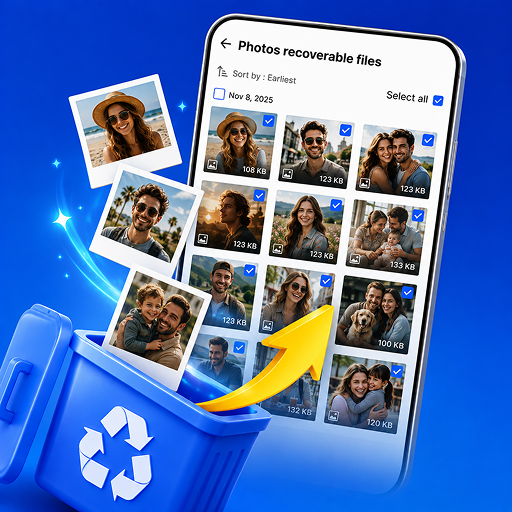
Find recoverable photos, videos, and files. Browse by category, sort the list, and restore in batches.
Stor Rescue scans locally on your Android phone, ranks recoverable items, and lets you preview and restore without sending file contents to our servers.
Capabilities
Scan, protect, back up, and tidy storage — all processed on your device.
Find recoverable photos, videos, and files. Browse by category, sort the list, and restore in batches.
Surface recent deletions, protected snapshots, and large videos first so you decide faster.
Keep local protection snapshots of important files to improve recovery odds later.
Copy videos, images, and files to a local folder and restore those copies anytime.
Compress, enhance, and edit with beauty, stickers, text, and doodle. Full access for members.
Clear temp files, outdated APKs, and oversized items to free storage.
How it works
Allow storage or media access, then tap Start scan.
Review recoverable items by suggestion or category.
Write files back to gallery or folders, or save copies in Backup center.
Google Play
Published by ISHTAR TECHNOLOGIES PTE. LTD. Scanning and recovery stay on your phone. Read how we handle permissions in our privacy policy.